Digital accounting: benefits, best practices, and tools that actually work
Most accounting practices have moved off paper. The remaining gap is the document collection step. Here's what changes when the workflow finally goes fully digital.
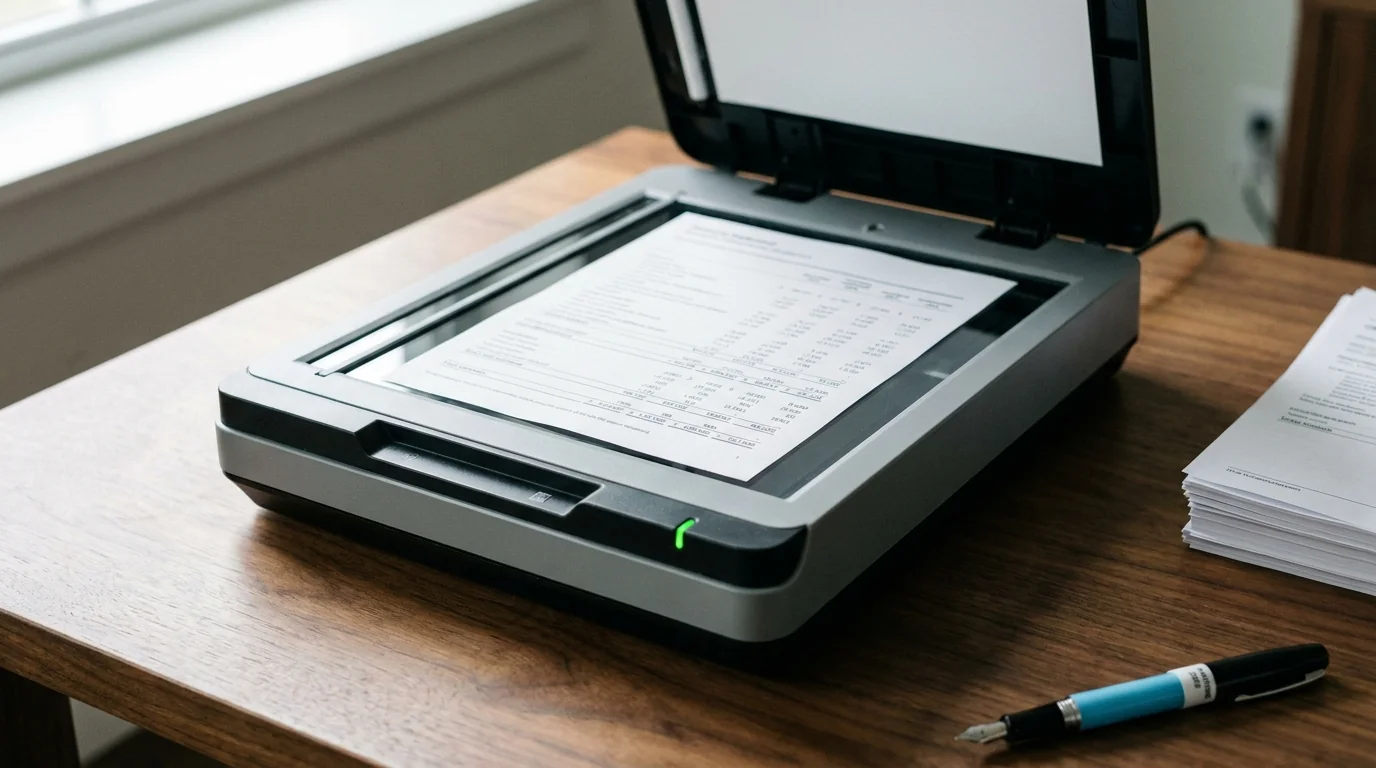
Most accounting and bookkeeping practices already do most of their work digitally. QuickBooks or Xero handles the ledger. Cloud storage holds the documents. Receipt and invoice capture runs through Hubdoc or Dext. The move off paper is mostly done.
What’s still partly manual is the bank statement collection step sitting upstream of all of it. Someone downloads statements by hand from the bank portals, names them, drags them into folders. That’s the last piece of the workflow most practices haven’t finished moving over.
What “fully digital” actually means
The phrase gets thrown around loosely. In practice a fully digital workflow runs on four things: an accounting platform (QuickBooks, Xero) for the ledger and reporting; receipt and invoice capture for what clients and vendors hand over; automated bank statement retrieval for what the institutions issue; and cloud storage as the governed archive underneath.
Three of the four are mature and close to universal. Practices adopted the accounting platform, the receipt capture, and the storage years ago. Bank statement retrieval is the one still missing, and it’s where 5 to 10 hours a month disappear into portal logins, downloads, and folder cleanup.
What changes when collection goes digital
Automate the collection step and the shape of the month changes. Documents arrive on a schedule, filed by client and statement period, in the storage the practice already uses. The work that used to anchor the first week of every month drops into the background.
What follows is mostly the absence of downstream fires. Reconciliation runs on time, because the documents are sitting where they need to be instead of behind a login. Tax prep turns into a hand-off instead of a scavenger hunt, since the records are already sorted by year. Statements outlast the 12-to-24-month window most banks keep them online, because the tool pulled them long before they aged out. And an audit request becomes a quick pull rather than a week of reconstruction, since everything is already organized by client and period in storage you govern.
The cost side of the same transition is in how much manual document retrieval costs your business; the workflow side is in how to optimize a bookkeeping workflow.
Best practices that hold up in production
A few things separate the practices that get the whole benefit from the ones that get half of it.
Structure has to be deterministic, not flexible. The same folder hierarchy and naming for every client, organized by client, then year, then month: rigid, predictable, and still legible after the person who set it up moves on. The “whatever suits this client” version feels accommodating and doesn’t survive staff turnover.
Access has to be governed where the documents actually live, which means the firm’s own cloud storage (Google Drive, OneDrive, Box, Dropbox), under controls the firm already runs. A retrieval tool that parks documents on its own platform indefinitely just means governing access in two places instead of one.
Credentials shouldn’t be shared at all. Clients authorize through the institution’s official flow rather than handing the practice a bank password. A shared bank password is a liability the day it’s created, and no amount of careful storage changes that.
And retention has to be planned for, not assumed. Plenty of institutions keep statements online for only 12 to 24 months; once a record ages out of the portal, getting it back is a fee-based request that takes days. Automated retrieval pulls on schedule and stores under the firm’s control, where the firm’s retention policy is the one that applies, not the bank’s.
What to look for in the tooling
Not everything marketed as “document automation” retrieves bank statements. Some tools do receipt capture, which is a different job. Others pull transaction data through APIs, which gives you transaction lists, not the statement PDFs audits and reconciliation run against. And a few still ask the client to hand over a bank password. Worth sorting out which one you’re looking at before you sign up.
Four questions do most of the sorting:
- Does it retrieve actual statement PDFs from the institutions, not just transaction data?
- Does it cover the institutions your clients actually bank with?
- Does it deliver into cloud storage you already govern?
- Does it authorize access without asking anyone to share a bank password?
The longer version of these criteria is in what to look for in a bank statement automation tool.
Stop running the last manual step
The biggest gap left in most practices’ digital workflow isn’t the accounting platform or the storage. It’s the collection step that still happens by hand every month. Closing it is less the start of a new migration than the last mile of the one the practice has been on for a decade.
Stop chasing this month's statements.
Free for 2 connections, 3 credits a month — enough to pull Amazon and Capital One every cycle. No card.