Bookkeeping mistakes that come from manual document collection
Most bookkeeping errors trace back to a small set of root causes upstream of where the work gets done. Four mistakes that disappear once document retrieval is automated.
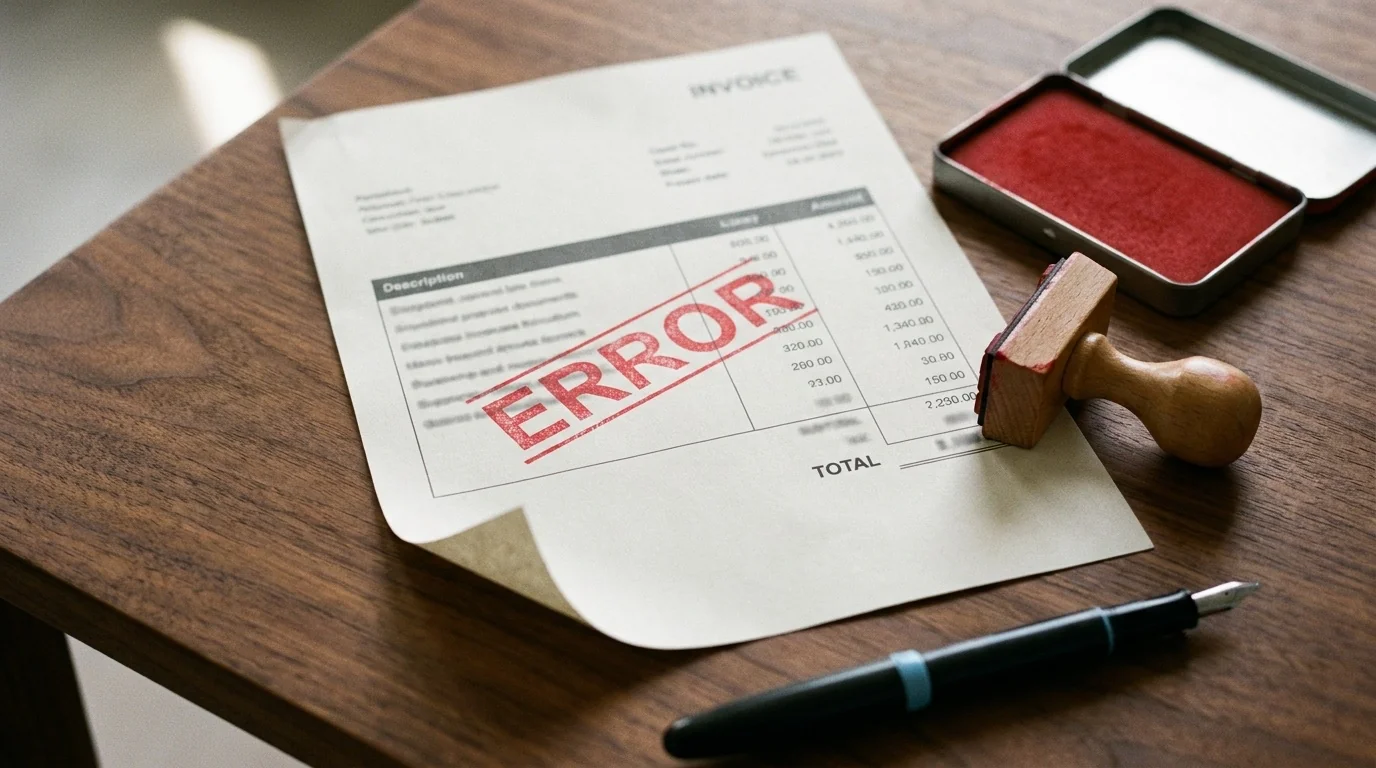
Most bookkeeping mistakes don’t happen at the bookkeeping. They happen upstream, where someone is still logging into client banks, downloading PDFs, and dragging files into folders by hand. By the time the documents reach the books, the error is already baked in.
Four of the most common share that one root cause, and all four go away once retrieval runs in the background.
The statement that never arrived
A statement nobody downloaded is a statement nobody reconciled. The gap usually surfaces weeks later, at month-end or in tax season, by which point the missing month has already turned into mismatched balances and a deadline at risk.
Manual collection has too many failure points to hold at scale. A client forgets to forward a PDF. A portal locks you out. MFA fails on a Friday afternoon. Any one is rare; across 20 clients and 12 months, something in that set is always breaking. Automated retrieval pulls each statement on its own schedule into storage organized by client and period, so the file is in the folder before anyone has the chance to forget it.
The records that drift out of order
Naming conventions slip. Folders fragment. Client X’s August statement lands in client Y’s July folder, or in a Downloads directory nobody cleans out. This isn’t one error; it’s a slow erosion of trust in the records themselves. Automate the retrieval and the naming and structure are fixed by the tool, not by whoever remembered to enforce them this month. Every statement lands where the structure says it lives.
The backup that wasn’t there
Plenty of practices keep source documents on a local drive, in an email inbox, or in a desktop folder synced to one machine. Then the device dies, the email gets compromised, someone deletes the wrong folder, and the records go with it.
Automated retrieval delivers into cloud storage, encrypted in transit and at rest: the originals stay with the institution, the working copies live in your governed storage, and there’s no single spot where one mistake wipes the set. The security model is in how DocGenie protects financial documents.
The reconciliation that keeps sliding
Reconciliation lags are usually retrieval lags wearing a different label. When pulling the statement is the painful part, reconciliation waits until you can block a half-day to chase everything at once. By then three months are open, and the cleanup takes twice as long as staying in-cycle would have. Automation doesn’t reconcile for you. It removes the friction that made you put it off, so reconciling the day a statement lands becomes the path of least resistance.
The same problem underneath
Missing files, messy folders, lost backups, late reconciliation: four different problems on the surface, one underneath. The manual collection step isn’t reliable at the volume and cadence a working practice runs at. Fix that upstream step and the four downstream errors stop happening.
Stop chasing this month's statements.
Free for 2 connections, 3 credits a month — enough to pull Amazon and Capital One every cycle. No card.